Key Takeaways
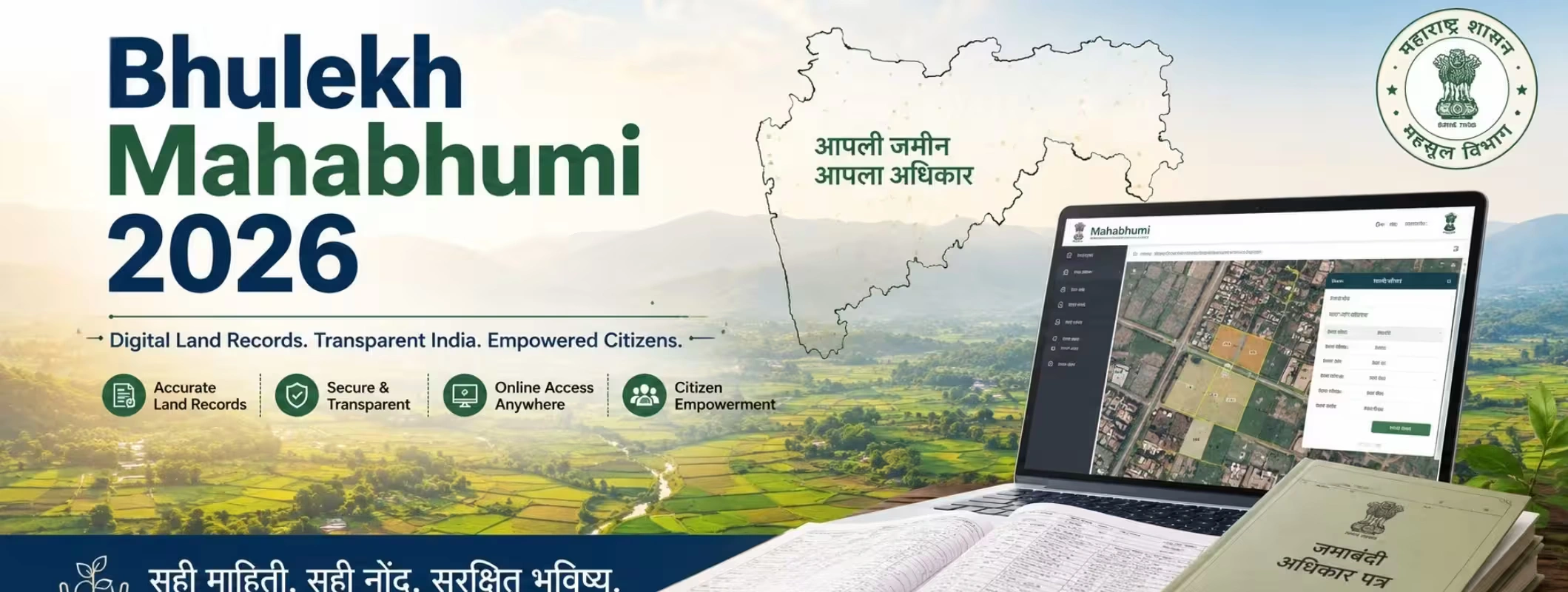
- Maharashtra’s Bhulekh Mahabhumi 2026 provides people with online access to Maharashtra’s land records.
- Land records can help establish ownership, land survey information, and history of the land prior to purchasing it.
- One should check land records together with registration papers while buying any property.
- Land records provided via the Internet increase the transparency of this process and minimize paper work.
- Those who plan to invest in land, buy Maharashtra land, or purchase farmhouse land should always verify land records.
- Digital land records will be helpful for banks, inheritance procedures, legal purposes, and other transactions related to property.
Introduction
Buying land is one of the biggest financial decisions a person can make. Whether you are planning to build a home, invest in agricultural land, purchase a farmhouse, or expand your property portfolio, verifying ownership is the first and most important step. This is where Bhulekh Mahabhumi 2026 becomes extremely valuable.
The Maharashtra Government has made land records accessible online through its digital land records system, making it easier for citizens to verify ownership details without visiting multiple government offices. Today, buyers, investors, banks, and legal professionals use these records to check property information before completing transactions. In this guide, you'll learn everything about Bhulekh Mahabhumi 2026, how to check land records online in Maharashtra, why these records matter, common mistakes to avoid, and how they help you make safer real estate decisions.
What is Bhulekh Mahabhumi 2026?
Bhulekh Mahabhumi is the name of the online land registry system implemented in Maharashtra for its citizens to be able to get critical land information online.
It has become a significant component of the digital governance drive undertaken by the state government.
Using the portal, users can check:
- Ownership details
- Survey Number
- Gat Number
- Property area
- Land classification
- Village information
- Mutation-related details (where applicable)
Instead of visiting local revenue offices repeatedly, landowners and buyers can now access many records online within minutes.
Why Are Land Records Important?
Land records are legal and administrative documents that provide information about a piece of land.
Before you buy land, these records help answer important questions:
- Who owns the property?
- Is the seller the legal owner?
- What is the total land area?
- Is the survey number correct?
- Is the land agricultural or non-agricultural?
- Does the property description match official records?
Proper verification significantly reduces the risk of fraud and future legal disputes.
Benefits of Checking Bhulekh Mahabhumi Before Buying Property
Ownership Verification
Always verify whether the seller's name matches the official land record.
Property Identification
Survey numbers and Gat numbers help identify the exact location of land.
Better Investment Decisions
Whether you plan to purchase land in Maharashtra or invest for long-term appreciation, verified records improve confidence.
Easier Loan Approval
Banks often ask for verified land documents while processing property loans.
Legal Protection
Checking records before registration minimizes ownership-related disputes.
Who Should Use Bhulekh Mahabhumi?
The portal is useful for many types of users.
| User | Why It Helps |
| Property Buyers | Verify ownership before purchase |
| Investors | Check land details before investment |
| Farmers | Access agricultural land records |
| Homeowners | Verify existing property records |
| Banks | Loan verification |
| Lawyers | Legal due diligence |
| Real Estate Consultants | Property verification |
How to Check Land Records Online in Maharashtra
The online process is straightforward.
Step 1: Visit the Official Portal
Open the Maharashtra land records portal.
Step 2: Select Region
Choose your:
- Division
- District
- Taluka
- Village
Step 3: Choose Search Method
You can search using:
- Survey Number
- Gat Number
- Owner Name (where available)
Step 4: Enter Required Information
Provide the requested property details.
Step 5: View Land Record
The system displays available land information for verification.
Step 6: Download or Print
You may save or print the record for reference.
Note: Online records are useful for verification, but official certified copies may still be required for legal proceedings or property registration.
Also Read: How to Buy Agricultural Land in Maharashtra: Buying Rules & Legal Criteria
Understanding Important Terms in Maharashtra Land Records
Many first-time buyers get confused by land terminology. Understanding these terms makes verification much easier.
Survey Number
A unique number assigned to a specific parcel of land.
Gat Number
Used in many rural parts of Maharashtra to identify agricultural land.
Mutation Entry
Records changes in ownership due to sale, inheritance, gift, or partition.
Village Form 7/12 (Satbara)
One of Maharashtra's most commonly used land records containing ownership and cultivation details.
Property Area
The total size of land measured in hectares, acres, or square meters.
Land Classification
Shows whether land is:
- Agricultural
- Residential
- Commercial
- Industrial
Government Initiatives Supporting Digital Land Records
The Government of Maharashtra has been strengthening digital land governance through continuous modernization of revenue records.
Some major objectives include:
- Digital access to land records
- Reduced paperwork
- Faster citizen services
- Greater transparency
- Better dispute resolution
- Improved land administration
These initiatives support the broader vision of Digital India by making government services more accessible online.They also make it easier for buyers to verify ownership before they buy land in Bhulekh records and for property owners to keep their documents updated before they sell land in Maharastra-verified properties.
Why Buyers Should Never Skip Land Record Verification
Many property disputes begin because buyers rely only on sale agreements.
Always verify:
- Seller's ownership
- Survey number
- Land dimensions
- Mutation status
- Existing land records
- Registration documents
Even experienced investors perform these checks before completing transactions.
Common Mistakes Buyers Make
Buying Without Verification
Never rely solely on verbal assurances.
Ignoring Survey Details
Small differences in survey numbers can indicate different properties.
Not Matching Documents
Compare land records with:
- Sale deed
- Property tax documents
- Encumbrance records
- Registration details
Skipping Legal Advice
Complex transactions should always be reviewed by a qualified legal expert.
How Bhulekh Helps Property Investors
Real estate investors often evaluate multiple properties before making a purchase.
Using Bhulekh Mahabhumi, investors can:
- Verify ownership
- Identify agricultural land
- Compare nearby properties
- Reduce investment risk
- Conduct preliminary due diligence
This becomes especially useful for long-term land investments.
Buying Farmhouse Land in Maharashtra
Demand for farmhouse land has grown steadily as more buyers look for weekend homes, nature retreats, and long-term investments.
Before purchasing farmhouse land, verify:
- Agricultural classification
- Ownership records
- Survey details
- Road access
- Applicable local regulations
- Mutation entries
Land records provide the foundation for these checks.
Things to Check Before You Purchase Land in Maharashtra
Before you purchase land in Maharashtra, prepare a simple verification checklist.
| Verification Item | Why It Matters |
| Ownership | Confirms legal owner |
| Survey Number | Identifies exact land |
| Area | Matches advertised size |
| Mutation Entry | Shows ownership changes |
| Land Type | Agricultural or NA |
| Registration Documents | Confirms transaction history |
| Local Restrictions | Avoid legal issues |
This checklist can save buyers from expensive mistakes.
Can You Buy or Sell Land Using Bhulekh?
A common misconception is that Bhulekh Mahabhumi is a marketplace.
It is not a platform where you can directly buy land in Bhulekh or sell land in Bhulekh.
This system is used as an official system for maintaining land records. This will help the buyer to verify the ownership of the land before buying it, while on the other hand, sellers will be able to ensure the accuracy of their land records before selling the land.
If you are planning to sell your land in Maharashtra, having updated land records will make things easier for you.
Property Management After Purchasing Land
Buying land is only the beginning. Proper property management services can help owners maintain documentation and manage their assets more efficiently.
Good property management may include:
- Record maintenance
- Tax reminders
- Property documentation
- Ownership updates
- Site monitoring
- Rental or leasing support (where applicable)
These services can be particularly useful for investors who own multiple properties or live in another city.
Land Records and Real Estate Investment Trends
Digital land records have become increasingly important because land investment is growing beyond metropolitan cities.
Many investors now explore:
- Agricultural land
- Farm plots
- Weekend homes
- Future development corridors
- Industrial growth zones
Online verification allows investors to perform initial due diligence before physically visiting a property.
How 2Bigha Can Help Buyers and Investors
While official government portals provide verified land records, buyers often need additional information before making a decision.
2Bigha helps users explore:
- Property insights
- Land investment opportunities
- Market trends
- Educational real estate guides
- Location-based information
Using government land records alongside reliable real estate information allows buyers to make more informed investment decisions.
If you're comparing multiple investment options or planning to buy land in Maharashtra, combining official verification with trusted market research can help reduce uncertainty.
For regular updates on land investment opportunities, real estate insights, and educational guides, users can also explore a suitable subscription plan offered by platforms like 2Bigha to stay informed about the evolving property market.
Best Practices Before Finalizing a Land Purchase
Before completing any transaction:
- Verify official land records.
- Match ownership with identity documents.
- Check mutation status.
- Review registration documents.
- Visit the property physically.
- Confirm land boundaries.
- Consult a legal expert if necessary.
- Verify local zoning regulations.
- Ensure there are no pending disputes.
- Keep copies of all documents safely.
Following these steps can significantly reduce investment risk.
Conclusion
The introduction of Bhulekh Mahabhumi 2026 has greatly eased the process of verifying land record information for people in Maharashtra. Be it your first home purchase, be it your investment in land, or even buying farmhouse land or agricultural land, verifying the official land record always needs to be on your to-do list.
Though the platform does not have any provision for purchasing land in Bhulekh or selling land in Bhulekh, it is an important step towards establishing yourself as the owner of the land and avoiding any fraudulent situation in the future. In case of land purchases in Maharashtra or land sales in Maharashtra, verifying the land records along with proper research is the most sensible thing to do.
There are many websites like 2Bigha, which assist you throughout this process of decision-making.
Disclaimer: This article is for informational purposes only and should not be considered investment, legal, financial, or property advice. Real estate regulations, infrastructure plans, market conditions, and government policies may change over time. Readers are advised to verify information with relevant authorities and consult qualified professionals before making any investment or property-related decisions.