List Your Land
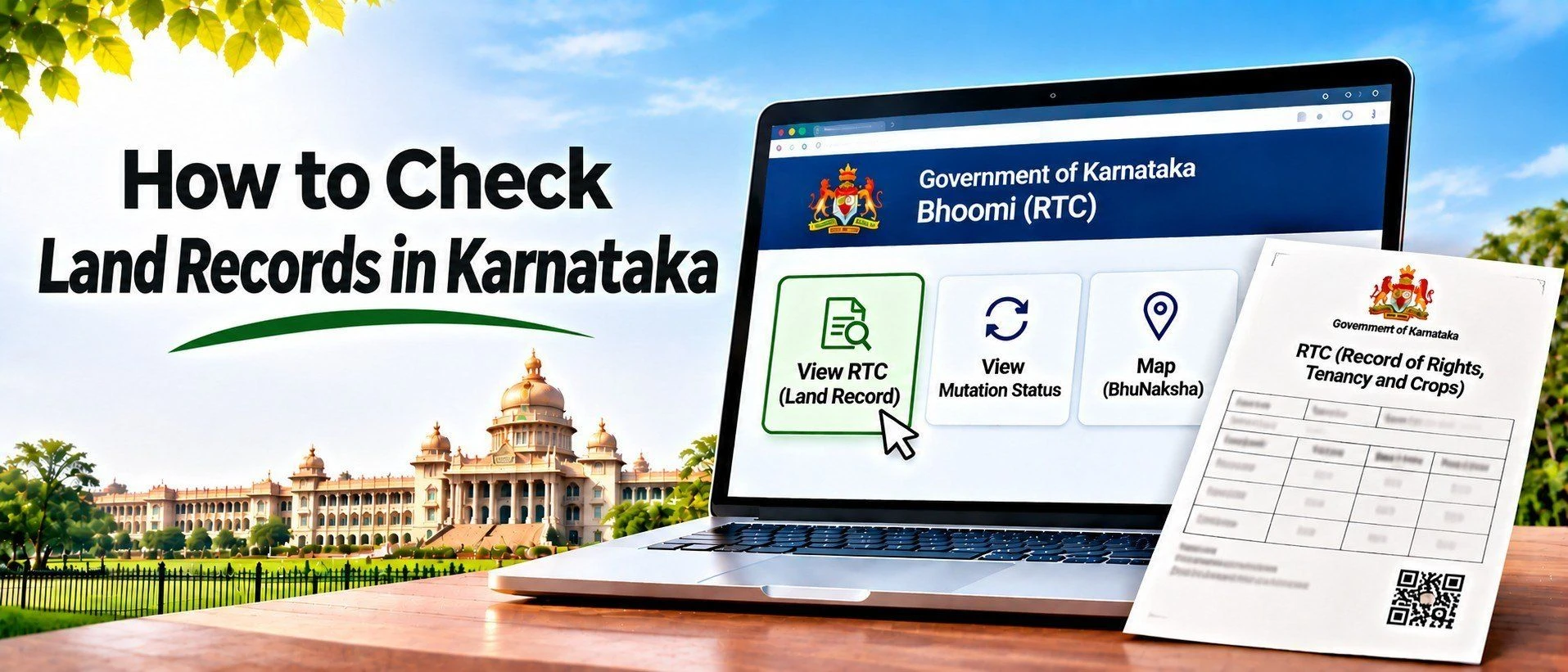
Every piece of farm land in Karnataka has a record that says who owns it, who farms it, and what is grown on it. That record is the RTC, also called Pahani. Bhoomi RTC Karnataka is the online version of it, and it shows you what the seller’s papers may not: other owners, loans, disputes, and a pending transfer. This guide covers how to read the record, how to get the signed copy, and what to check before you pay anyone. Whether you are buying a plot, applying for a crop loan, or settling a family partition, Karnataka land records are the first thing you will be asked for.
Section 1: What Is Bhoomi RTC in Karnataka?
If you plan to buy land in Karnataka, start with the RTC and not the sale agreement. It takes five minutes, and it can save you from a deal that goes wrong months later.
Definition: RTC stands for Record of Rights, Tenancy and Crops. It is the village-level record of one survey number: the owner’s name, the area, the type of land, the crop, and any loan or court entry.
Bhoomi Land Records is the state system that keeps these records on a computer. Before it, you had to find the Village Accountant and wait. Now RTC Pahani Karnataka is on screen in a few seconds, free of cost.
The RTC proves who is in the records as the holder today. It does not prove clean title. Title comes from the chain of registered deeds. The RTC shows the current position, and the deeds show how the land got there. People often mix up the RTC with the Mutation Register (MR). The MR is the log of changes, such as a sale, inheritance, or partition. The RTC is the result of those changes.
A buyer needs the RTC for one simple reason: if the seller’s name is not on it, the seller has a problem, whatever the papers say.
State-specific note: In Karnataka the same survey number can have several hissa numbers. Always enter the hissa as well. A wrong hissa can show you a different person’s land.
Expert Tip: Don’t look only at the owner’s name. Check the columns for cultivator and crop and the one for loans or encumbrance. If the cultivator is someone other than the owner, ask why before you pay any advance.
Section 2: How to Get Bhoomi RTC Online and Offline
There are three ways to get the record. Pick the one that matches what you need it for.
Method | Cost | Time | Legally valid for registration? |
Online (unsigned view) | Free | Instant | No, for your reference only. |
Online (digitally signed) | Small per-copy fee | A few minutes | Yes, accepted by banks and offices |
Offline (taluk office or Nadakacheri centre) | Small service fee | Same day to a few days | Yes, when certified |
Open the Bhoomi portal. Go to landrecords.karnataka.gov.in. Use only the .gov.in address, because many private sites copy the look of it.
Choose the service. Under RTC Services, click “View RTC and MR.”
Select the location. Pick the district, taluk, hobli and village from the lists.
Enter the land details. Put in the survey number, surnoc and hissa, then choose the period and year. Click Fetch Details.
Get the signed copy if you need it. For Bhoomi RTC download in a signed form, use the i-RTC service at rtc.karnataka.gov.in, pay the fee shown, and save the PDF.
Go to the right office. Visit the Village Accountant, the taluk office, or the nearest Nadakacheri centre.
Give the details. Carry your ID and the survey and hissa numbers. Write the village name in full.
Pay the fee. Take the receipt and keep it.
Collect the copy. Ask for the certified printout with the official seal and signature.
Offline usually takes from the same day to a few working days, depending on the office. Before you leave the counter, check that the survey number, hissa, village and owner name on the paper match what you asked for. Check the date too.
Section 3: What Does Bhoomi RTC Contain?
An RTC looks like a dense table, but each column tells you something. If you want to see how this record fits into a property search, the listings and tools on 2Bigha show what buyers check first when they look at Karnataka Land Ownership Records.
Field | What it means | What to check |
Survey and hissa number | The land’s identity in the village | Must match the sale papers exactly |
Owner name | The person recorded as the holder | Spelling, father’s or husband’s name, and number of owners |
Extent (acres and guntas) | Total area of the plot | Compare with the sale deed and the Akarband Karnataka figure |
Land type | Dry, wet, garden, or other | Agricultural or converted land |
Cultivator and crop | Who farms it and what is grown | A different cultivator may mean a tenant |
Loans and liabilities | Bank charges or court orders | Anything listed here needs to be cleared first |
Mutation reference | The last transfer entry | Should show the latest transfer |
Good sign: The owner’s name matches the seller’s ID exactly. The area is the same in the RTC and the deed. The loan column is blank or shows a closed entry. The mutation number is recent and points to the last registered transfer.
Section 4: Common Issues and How to Fix Them
Most problems with Karnataka Property Records come from old entries and small spelling errors. If something looks wrong, start at the Bhoomi RTC Karnataka official website and check the entry again before you go to any office.
Survey number not found. The record may sit under a different hissa or village name. Fix: Try each hissa one at a time, and check the village spelling in Kannada and in English.
Owner name does not match. A spelling mistake or a missing initial is common. Fix: Apply for correction at the taluk office with ID and the registered deed.
Old owner still shown. The sale was registered but the record did not change. Fix: Check the Land Mutation Status Karnataka page, and if the case is pending, follow it up with the Revenue Inspector.
Area differs from the sale deed. This often happens after partition or old survey errors. Fix: Get the survey sketch from the Survey Department and match it with the deed before you sign anything.
Loan entry still active. The bank charge stayed on the record after the loan was paid. Fix: Get a no-dues letter from the bank and ask the Tahsildar’s office to remove the entry.
Crop column outdated. The land shows a crop that was not grown for years. Fix: The Village Accountant can update it. Ask for a fresh survey entry.
Section 5: Recent Changes in 2026
No major changes have been reported as of November 2026. Fee amounts for the signed copy are quoted differently on different sites, so use the amount shown on the payment page of the official portal.
Section 6: Why Bhoomi RTC Matters for Land Buyers
It shows who the government records as the holder, so you can match the seller’s name before paying an advance.
It reveals bank loans and court entries that the seller may not mention.
It lets you check the crop and cultivator, which helps you spot tenants or others in possession.
It gives the exact area, so you can compare it with the deed and avoid paying for land that isn’t there.
It links to the mutation history, which tells you how many times the land has changed hands.
Banks will not give a loan against farm land without a signed copy, so you need it even if you buy with your own money.
Section 7: RTC vs. Mutation Register
People often use these two words as if they mean the same thing. They don’t.
RTC (Pahani) | Mutation Register (MR) | |
What it shows | The current holder, area, crop and loans | The change of ownership and the reason |
Updated when | Each crop season and after mutation | After a sale, inheritance or partition |
Use it to | Check who owns it today | Check how it came to them |
Read both together. If you are going to sell land in Karnataka, the buyer will ask for the same two records, so make sure your own RTC and Mutation Records Karnataka entries are clear before you list the plot. Open points in either one slow a sale down. A short note on this also helps a plot stand out on any land listing website, because buyers trust sellers who share clean records.
Section 8: Related Documents
Bhoomi RTC sirf ek record hai. Zameen khareedne ya bechne se pehle in documents ko bhi saath mein dekh lena chahiye, kyunki har ek wo cheez dikhata hai jo RTC mein nahi hoti.
Khata Certificate in Karnataka: Shows whether the property is registered with the local body and in whose name. Check it when the land is in or near a town.
Encumbrance Certificate in Karnataka: Lists registered loans, mortgages and transfers on the property. It confirms what the loan column in the RTC only hints at.
Mutation Register in Karnataka: Explains how a sale or inheritance gets entered in the record, and how long it usually takes.
Karnataka Land Survey and Sketch Guide: Helps you match the plot’s boundaries and area with the survey sketch before you pay an advance.
Land Conversion in Karnataka: Useful if the RTC shows agricultural land and you plan to build on it.